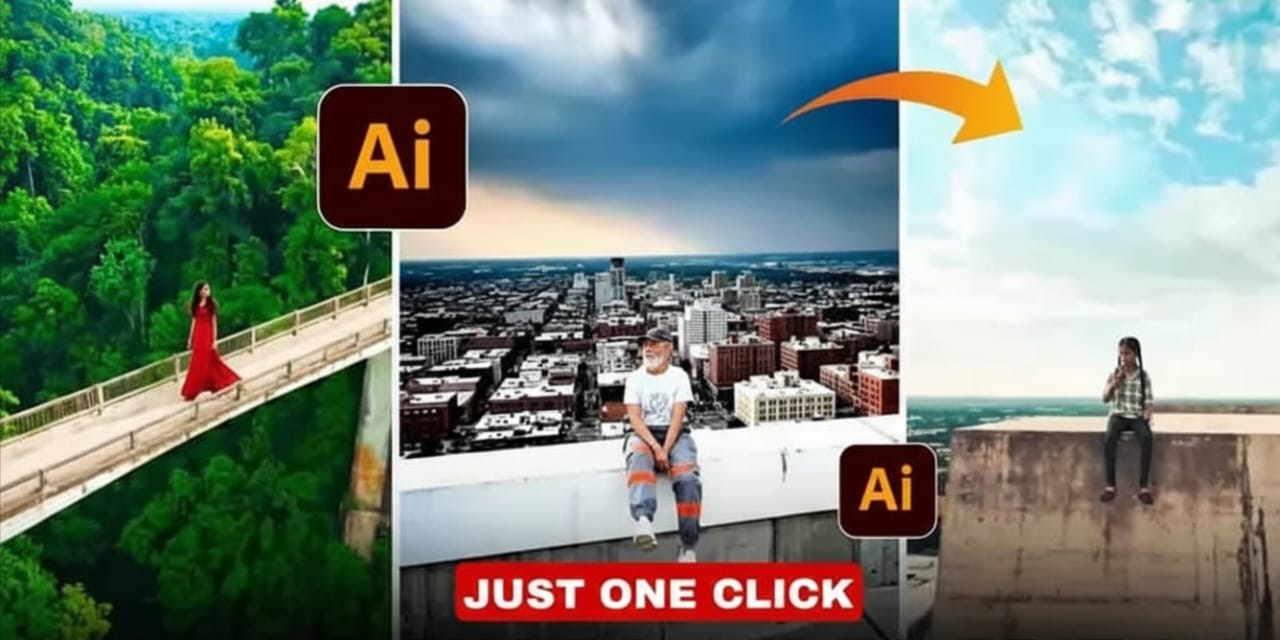
Drone Shot AI Video Generator (100% Working)
Want cinematic drone shots without buying a drone? This guide explains how to create AI-based aerial videos using Google Labs Flow. Perfect for reels, YouTube, travel edits, and more.
What You Will Learn
- What Drone Shot AI Video Generator is
- How to create drone-style videos using AI
- Tips for realistic drone shots
- 100% working link to start generating videos
100% Working Link
Use the official link below to access the AI video tools:
Open Google Labs Flow (100% Working)

What Is a Drone Shot AI Video Generator?
A Drone Shot AI Video Generator uses artificial intelligence to create aerial-style videos that look like they were captured with a real drone. You simply describe the scene, and the AI generates a fully animated drone-style clip.
Who Is This Useful For?
- Creators without a drone
- People living in no-fly zones
- Short-form video creators
- Content editors wanting cinematic shots
- Beginners in filmmaking
Why Use AI Instead of a Real Drone?
- No need to buy expensive equipment
- No flying restrictions or permissions required
- Fast and easy content creation
- Creative flexibility to generate any location
How to Use Drone Shot AI Video Generator (Step-by-Step)
-
Open Google Labs Flow:
Click here -
Sign in with your Google account
Login if the interface asks you. -
Select Generative Media or Video Tools
Look for models that support animations or video output. -
Enter Your Prompt
Example prompts:- Cinematic drone shot over a pine forest during sunrise
- Top-down aerial footage of ocean waves hitting rocks
- Drone reveal shot of a mountain range with moving clouds
-
Customize Settings
Such as:- Video length
- Camera movement
- Resolution
- Style
-
Generate Your Video
Click the generate button and wait for the AI to render your drone-style clip. -
Download and Use
Use the clip for:- Instagram Reels
- YouTube videos
- Travel edits
- Tech montages
- Background animations
Best Prompts for AI Drone Shots
- Cinematic drone shot flying forward over a foggy forest
- Top-down drone shot of blue ocean waves hitting rocks
- Aerial shot of a city skyline at golden hour
- Drone orbiting a skyscraper in a futuristic city
- High-altitude mountain reveal shot with clouds moving
Tips for Realistic Drone Shots
- Use clear cinematic keywords
- Mention time of day (sunrise, sunset, night)
- Add weather details (foggy, sunny, rainy)
- Specify camera motion (forward, orbit, reveal)
- Keep prompts clean and simple
Final Thoughts
Creating drone shots with AI is now easier than ever. You don’t need a drone, flying skills, or permissions. Just write your prompt, generate the video, and download it. The Google Labs Flow link provided above is 100% working and gives you access to powerful video generation tools.